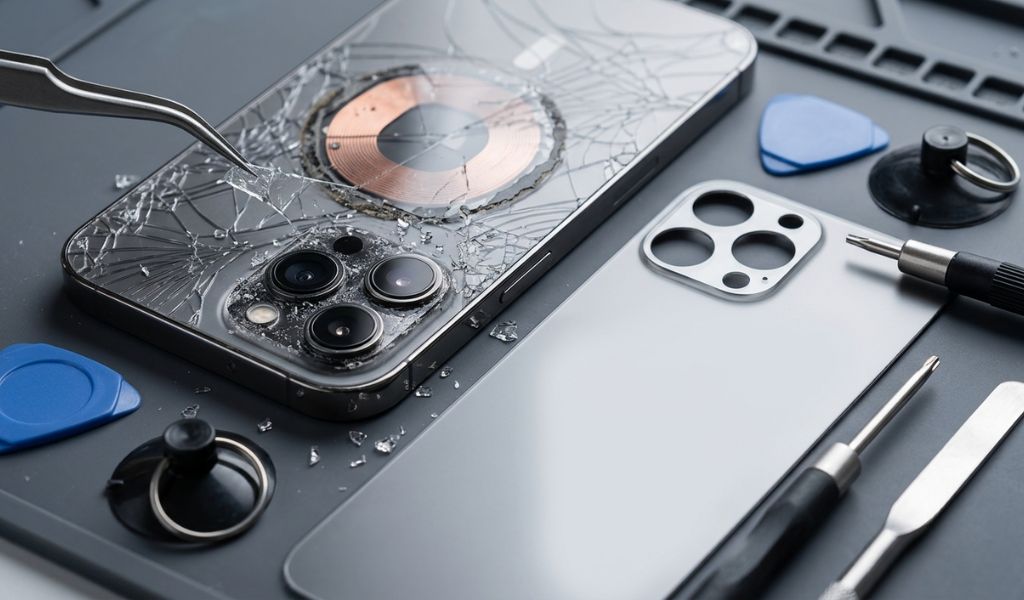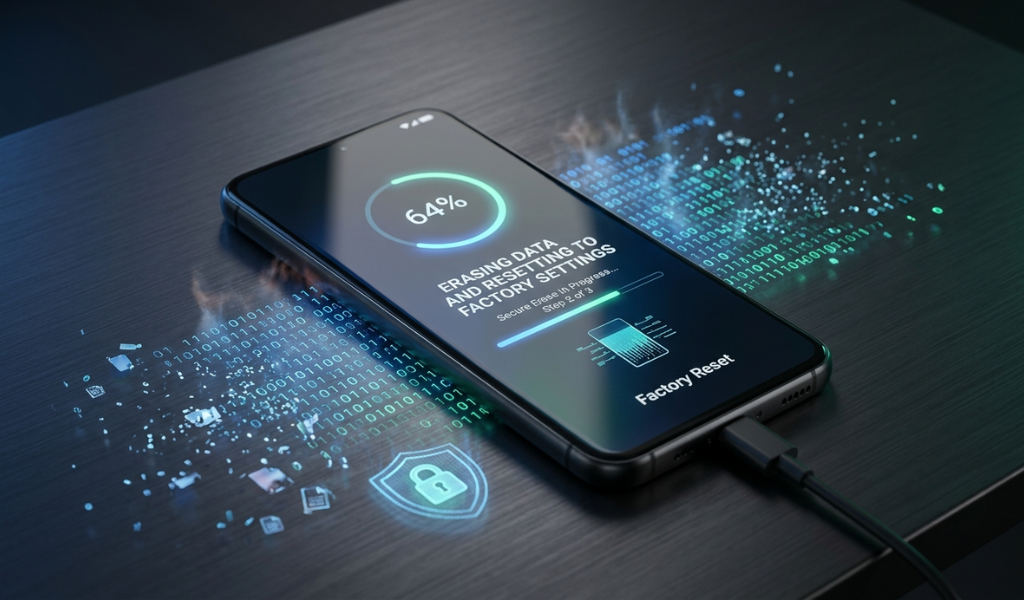
Knowing how to erase phone data properly is essential before selling, recycling, or giving away your smartphone. The files themselves are not enough to be deleted, as personal photos, passwords, contacts, and financial information can often be recovered. Data destruction ensures your identifiable information is protected and your device is prepped to be sold to its next user.
Here is a comprehensive guide about the safest ways, like a factory data reset on the phone, and additional processes to make it even harder, if at all, to retrieve your data.
Wipe phone data before selling your device or recycling it
Back up important files before performing any reset.
Encrypt your phone before resetting for added security.
Use the correct factory reset method for Android devices.
Check to see if there is no personal information after reset
Older smartphones may require additional steps because deleted data can sometimes be recovered.
Back Up Important Files
Before wiping anything, save photos, contacts, documents, and messages to cloud storage or a computer.
Remove Your Accounts
Sign out of Google, Email, bank, and social media accounts. It avoids any activation lock and protects the sensitive data.
Encrypt the Device
Phone encryption is built into many Android phones. By encrypting your data before a reset, you also create another line of defense since encrypted files cannot be read after they have been deleted.
Perform a Full Reset
Factory reset your phone via its settings. It deletes apps, settings, and personal files from the phone.
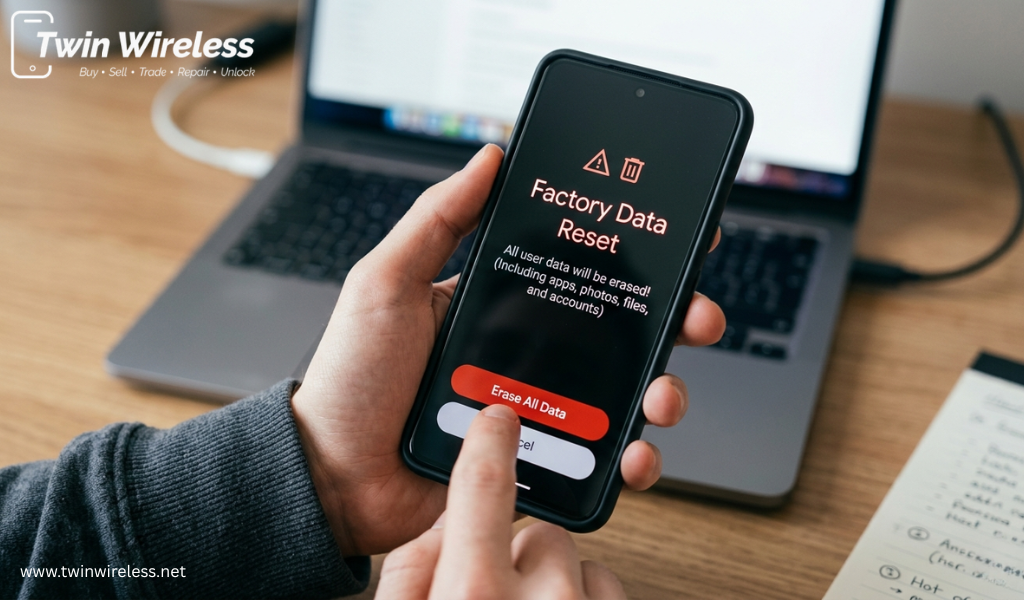
A factory data reset on Android is a straightforward process.
Back up your important data.
Charge the phone to at least 50%.
Open Settings.
Select System or General Management.
Tap Reset.
Choose Factory Data Reset.
Confirm your PIN or password.
Tap Erase Everything and wait for the process to finish.
On restarting the phone, you should see the welcome screen, which tells you that your personal information has been removed.
Free SIM and memory cards get involved with the gadget
Make sure Google accounts have been removed
After the restart, check if the phone opens the Welcome screen.
For enterprise devices, whenever possible, use manufacturer-approved secure wipe tools
Only delete your backup once you are certain it has transferred properly.
Also read:- Same-Day Phone Repair in Indianapolis | Eagledale Plaza Repair Guide
So this type of useful content is for the users who need guidance, and it helps users cover the smartphone maintenance methods, reset procedure, and device care. Whether you are getting a phone ready to sell or trying to fix a software issue, Twin Wireless provides basic information that makes the process easier.
Knowing how to completely wipe your phone ensures that your identity, financial information, and personal files are safe. Assuming encryption is in use, a factory reset of the phone, along with account removal, is the best defense you have before passing your smartphone on to someone else. A set of simple guidelines will help to make your device clean, safe, and ready for the next user. For more smartphone tricks and resets, Twin Wireless is here to help you take care of your devices.
The safest method is to back up your files, encrypt the device, remove your accounts, and perform a factory reset.
A factory reset removes user data, but encrypting the device before resetting provides stronger protection against data recovery.
Open Settings, go to System or General Management, choose Reset, and select Factory Data Reset.
Yes. Remove both your SIM card and any external SD card before selling or recycling your smartphone.
Learn how to avoid phone repair scams in Indianapolis. Get tips on spotting red flags, comparing costs, and finding reputable local repair shops you can trust.
View more
Learn when to repair or replace your device. Discover affordable ways to fix broken phone issues with expert repair services in Indianapolis.
View more
Find the best cell phone cracked screen repair service with expert tips on quality, pricing, parts, and reliability. Get your device fixed quickly and correctly.
View more
Looking for the best iPhone repair service in Indianapolis? Discover key tips on pricing, certifications, warranties, and reviews before you choose.
View more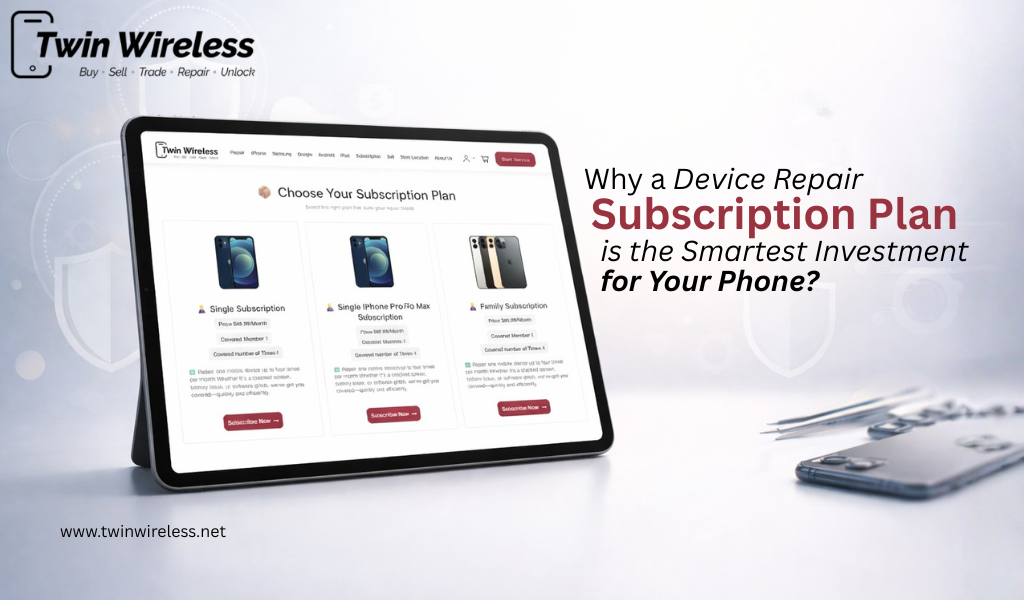
Discover why a device repair subscription plan is a smart investment for your phone, saving money on repairs while ensuring long-term protection.
View more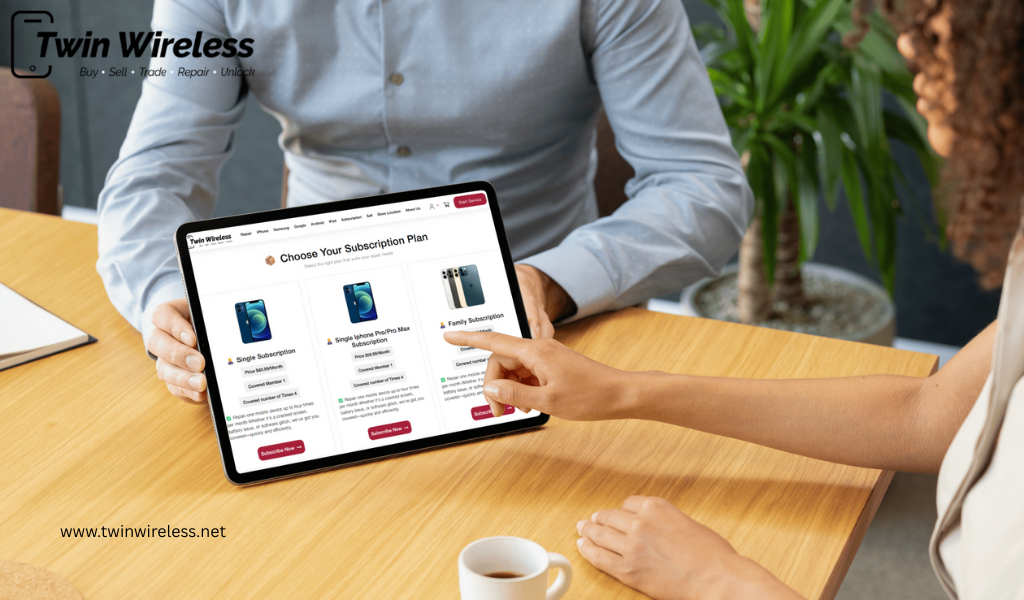
Discover why a phone repair subscription is worth it. Get fast phone repair in Indianapolis, cracked screen repair, and affordable battery replacement with a trusted service.
View more
Find expert phone repair in Indianapolis with quality parts, fast service, and warranty support. Learn how to choose the best repair shop for your needs.
View more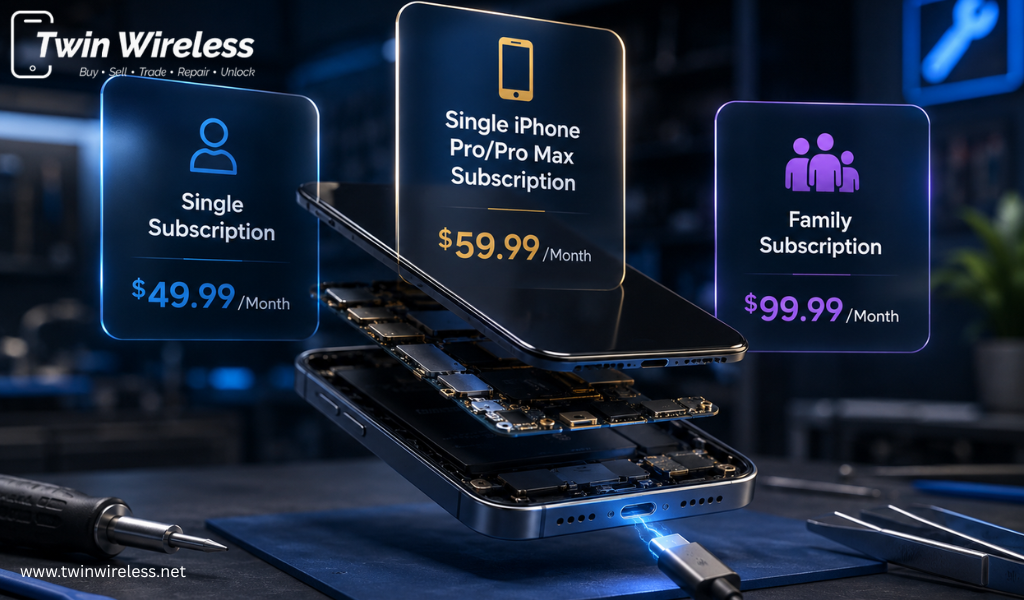
Looking for a reliable phone repair subscription? Discover affordable mobile repair service subscription plans, fast screen repairs, battery replacement options, and expert support from Twin Wireless.
View more
Learn how a phone factory data reset improves speed, fixes glitches, and protects privacy. Discover expert reset and recovery solutions today.
View more
Save money with a phone repair subscription that covers cracked screens, battery issues, and repairs with affordable monthly plans today.
View more
Need same-day phone repair in Indianapolis? Learn repair times, costs, battery, screen, camera, and back glass replacement options near Eagledale Plaza.
View more
Discover how a mobile repair service subscription helps reduce repair costs, covers common phone issues, and keeps your device protected.
View more

 Login/Register