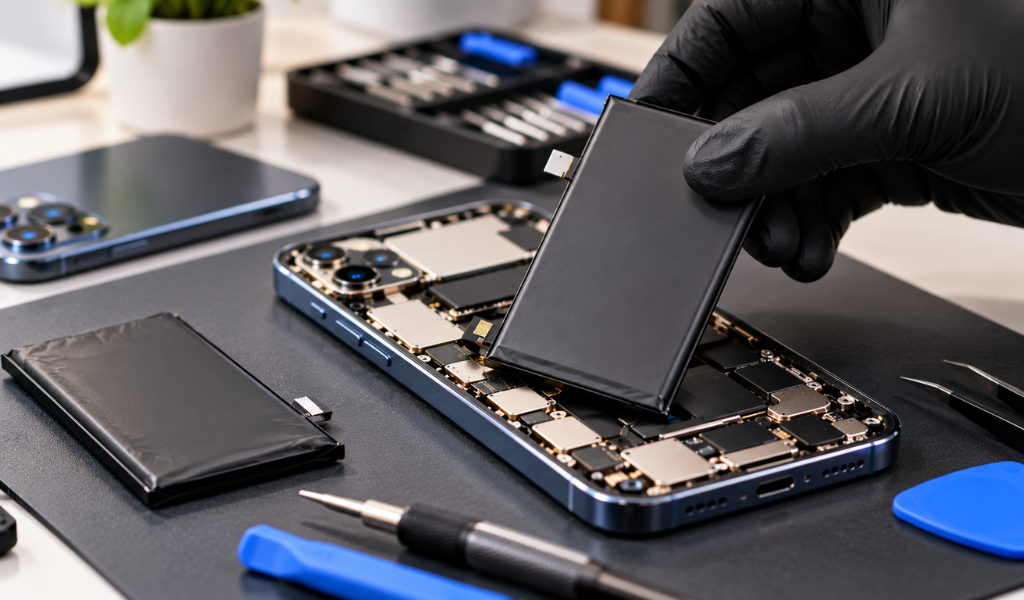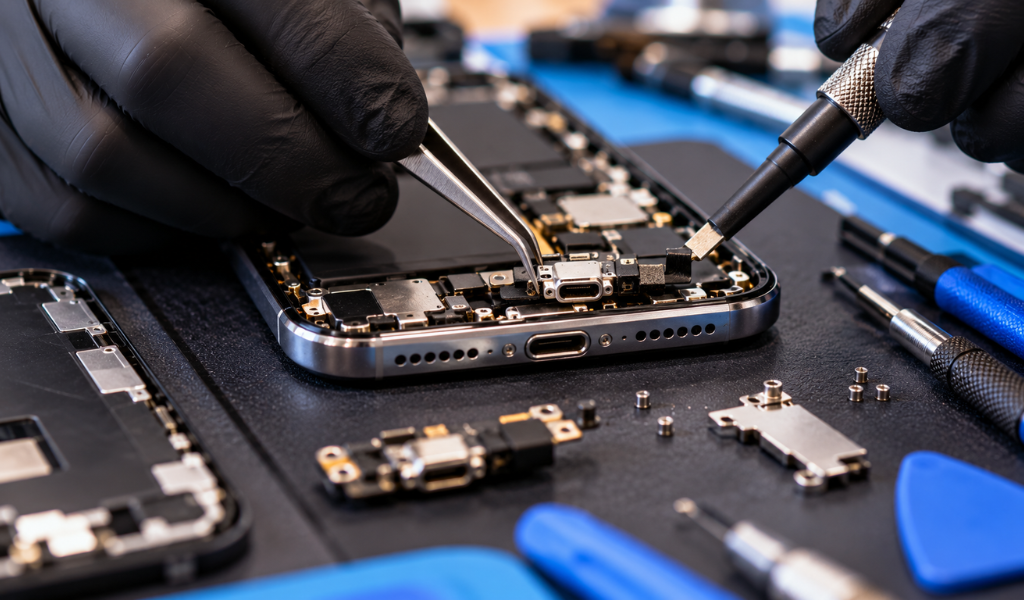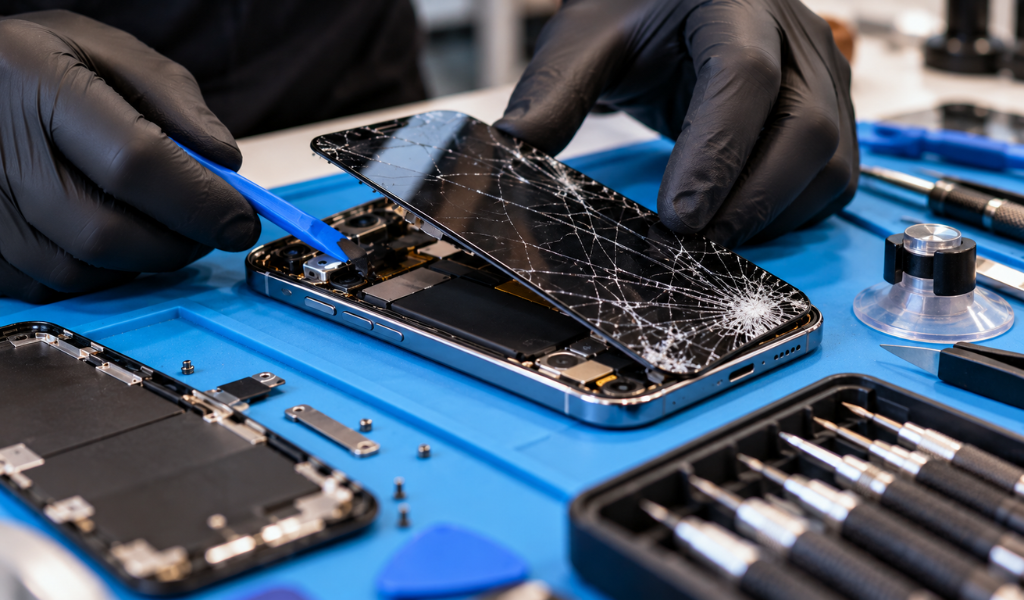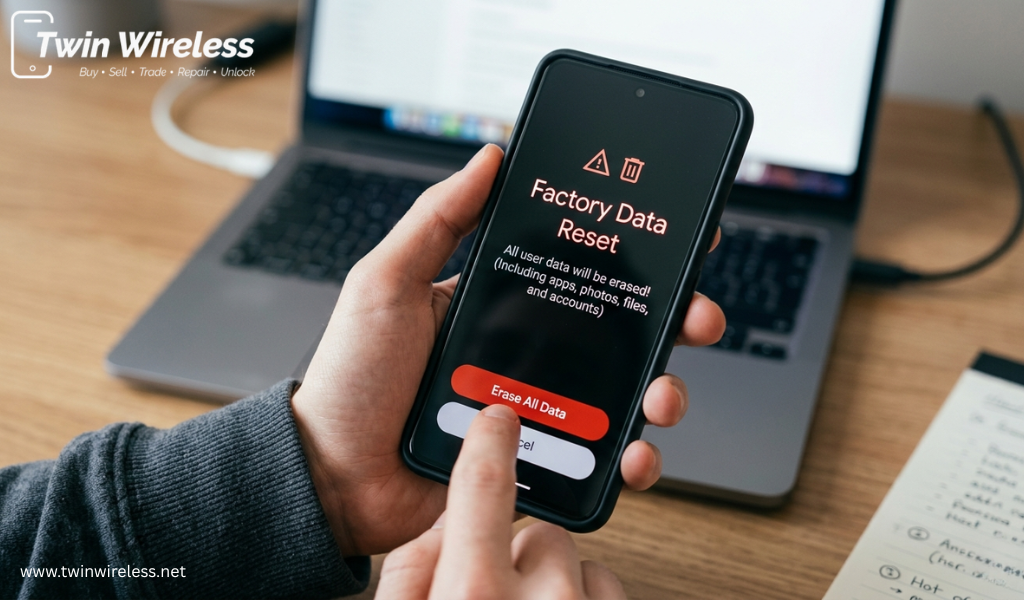
Smartphones do slow down with age mainly due to overloaded storage, background apps, malware and software glitches. A factory reset is one of the best ways to get back your phone performance. No matter if your phone freezes, crashes or is just plain slow, resetting it can bring back the speed, battery life and usefulness of your device.
You have been trained by professional repair stores such as Twin Wireless on what to do when your phone becomes hard to hold. Only expert technicians can perform the reset safely, ensure that important files are protected and when needed guide you through recovery of lost data.
The factory reset of a phone is the process of erasing apps, files, cached data and user settings from the phone to recover its original system state. Basically it can give your device a clean slate, like it's right off the shelf.
On android devices, this procedure is often known as a factory data reset android process. It eliminates extraneous junk and resolves software glitches that accumulate over time.
Common reasons people reset their phones include:
Slow performance
Frequent freezing
Malware or viruses
App crashes
Storage overload
Selling or trading in a device
It is common for apps to store temporary files, which can use up storage and slow your device. Sometimes the phone contains such unnecessary files and to eliminate those you have to reset. It enhances system responsiveness.
Operating systems are prone to develop bugs after they have gone through updates or prolonged use. A reset deletes corrupted settings in exchange for normal performance.
Less storage leads to lesser performance and misuse of the app. It allows users to wipe data of their phone they no longer require thus freeing up some demanded space.
Battery life is drained by background apps and hidden processes. Resetting runs fewer processes by default; so less time the automatic process has no chance to eat your battery.
Malicious applications can cripple system resources and breach confidentiality. A reset will get rid of malicious software, and it also provides additional security with your private data.
Find professionals for phone repair in Indianapolis and they will finish the reset process without putting your device at risk of more problems.
Twin Wireless offers smartphone diagnostics, reset services, software troubleshooting, and recovery support for different Android and iPhone models. Professional technicians can also guide customers through backup procedures before resetting their phones.
Using a trusted repair service minimises the chances of any unintentional loss of data or software-related issues.
Yes, a factory reset removes:
Photos and videos
Apps
Contacts stored locally
Messages
Downloads
Saved settings
Since the process will delete data permanently, please keep it in mind that before performing this action you have to backup your files. Various users ask for Phone Reset and Recovery so that they can recover their data after a reset.
Before the reset process, consultants can help you with cloud backups, file transfers and recovery options of your data by professional technicians at Twin Wireless.
In many cases, yes. A factory data reset Android process can solve issues like:
Slow loading apps
Touchscreen lag
Random restarts
System crashes
Freezing during calls or browsing
You can reset your device easily which is usually sufficient to run the software issue. If you do have hardware damage in the first place then perhaps a pro repair option can still be sought.
Before performing a reset, follow these steps:
Save contacts, photos, and documents to cloud storage or an external device.
Sign out of Google or Apple accounts to avoid activation lock issues.
Ensure your phone has at least 50% battery before resetting.
You may need login details after the reset is complete.
Also read: How to Choose the Best Phone Repair Service in Indianapolis?
You should consider a reset if your phone:
Runs extremely slowly
Overheats frequently
Shows persistent app crashes
Has storage issues
Contains suspected malware
Experiences system update failures
A professional inspection can determine whether a reset or hardware repair is the better solution.
Most users try performing resets themselves, but if mistakes are made, files can be lost and interruptions happen in the setup process. Professional services provide:
Secure data backup
Safe system restoration
Expert troubleshooting
Reliable phone reset and data recovery
Personalized technical support
Twin Wireless allows customers to perform updates without having to schedule a long window, and thus be protected against those downtimes but also the data loss.
A phone factory data reset is an effective solution for improving smartphone speed, fixing software problems, and restoring overall performance. From clearing junk files to eliminating malware, resetting your device can make it feel new again.
If your smartphone continues to lag, freeze, or crash, professional support may be the best option. Trusted experts offering phone repair in Indianapolis can safely erase phone data, restore functionality, and assist with recovery solutions when needed. Whether you need diagnostics or a complete reset, Twin Wireless provides dependable smartphone support to help keep your device running smoothly.
Most factory resets take between 10 and 30 minutes, depending on the phone model and storage size.
Yes, a reset usually removes malware and harmful apps that affect device performance.
In some cases, professional phone reset and data recovery services may help recover lost files if backups are unavailable.
Yes, the factory data reset Android process is safe when performed correctly and after backing up important files.
Learn how to avoid phone repair scams in Indianapolis. Get tips on spotting red flags, comparing costs, and finding reputable local repair shops you can trust.
View more
Learn when to repair or replace your device. Discover affordable ways to fix broken phone issues with expert repair services in Indianapolis.
View more
Find the best cell phone cracked screen repair service with expert tips on quality, pricing, parts, and reliability. Get your device fixed quickly and correctly.
View more
Looking for the best iPhone repair service in Indianapolis? Discover key tips on pricing, certifications, warranties, and reviews before you choose.
View more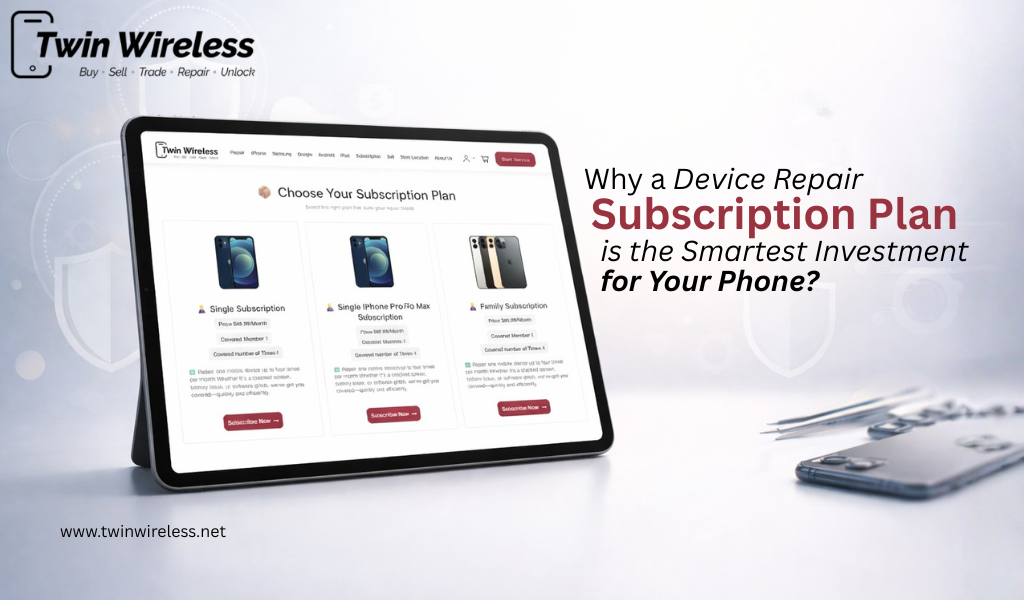
Discover why a device repair subscription plan is a smart investment for your phone, saving money on repairs while ensuring long-term protection.
View more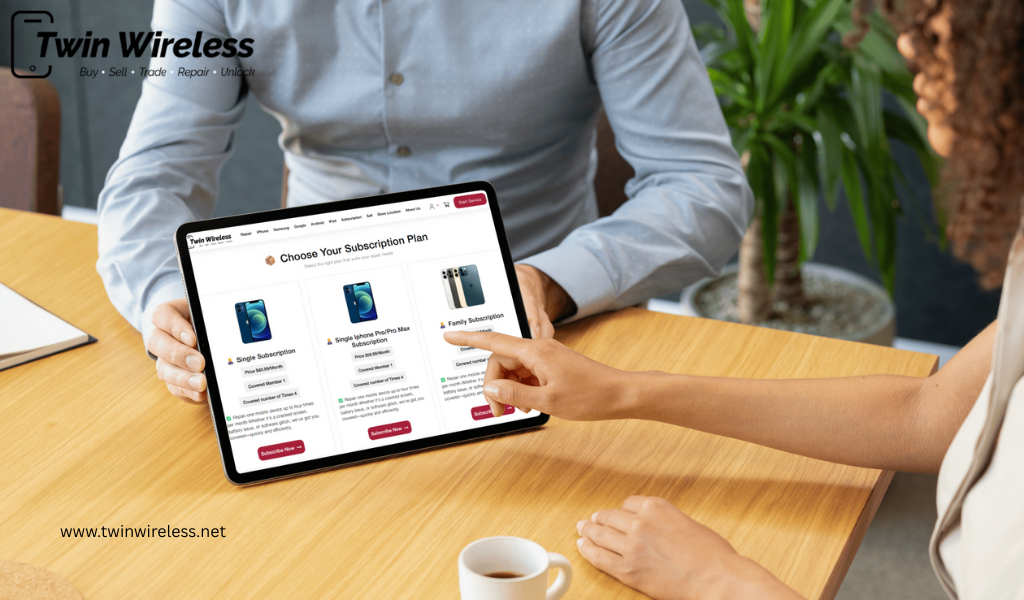
Discover why a phone repair subscription is worth it. Get fast phone repair in Indianapolis, cracked screen repair, and affordable battery replacement with a trusted service.
View more
Find expert phone repair in Indianapolis with quality parts, fast service, and warranty support. Learn how to choose the best repair shop for your needs.
View more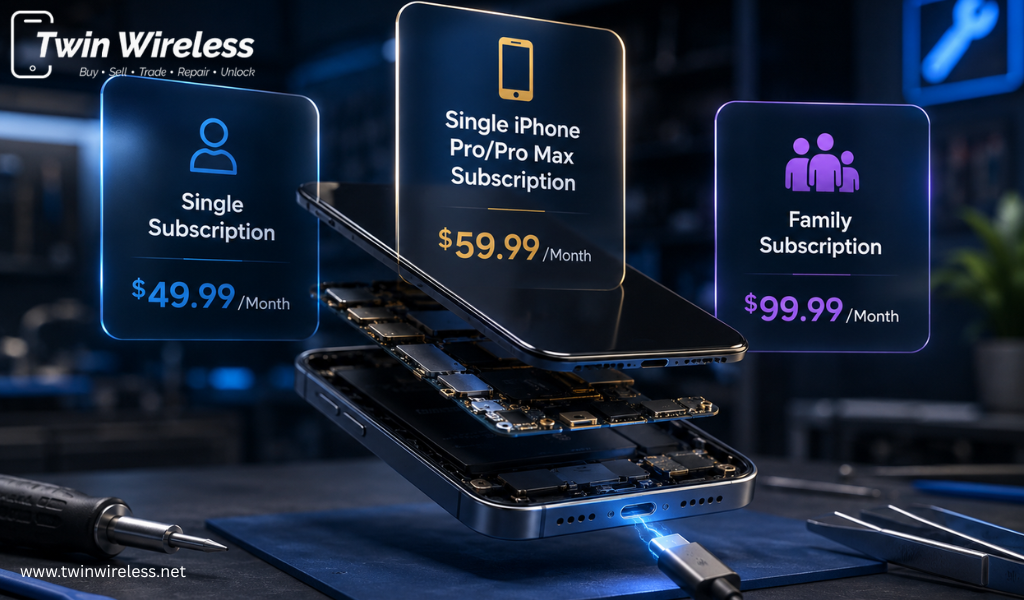
Looking for a reliable phone repair subscription? Discover affordable mobile repair service subscription plans, fast screen repairs, battery replacement options, and expert support from Twin Wireless.
View more
Save money with a phone repair subscription that covers cracked screens, battery issues, and repairs with affordable monthly plans today.
View more
Need same-day phone repair in Indianapolis? Learn repair times, costs, battery, screen, camera, and back glass replacement options near Eagledale Plaza.
View more
Discover how a mobile repair service subscription helps reduce repair costs, covers common phone issues, and keeps your device protected.
View more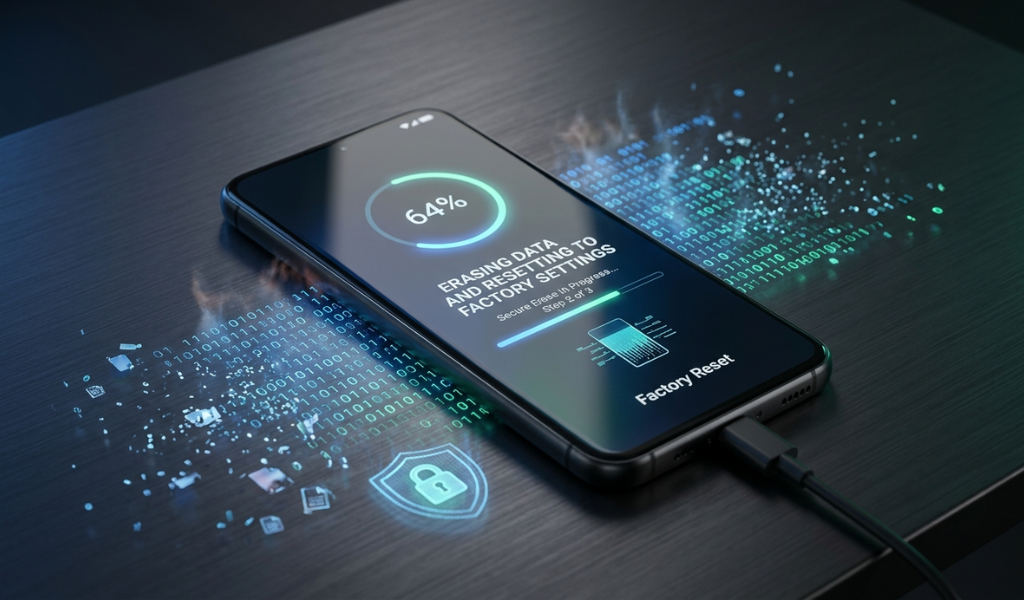
Learn how to erase phone data safely with simple steps, factory reset tips, and secure methods to protect your personal information forever.
View more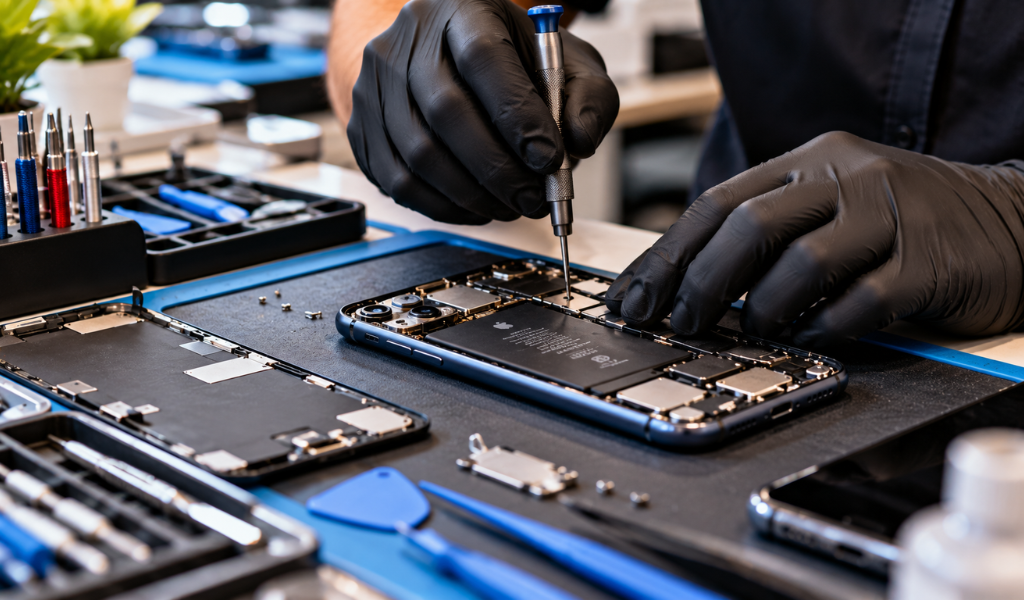
Get reliable same-day phone repair in Indianapolis with practical tips on costs, service checks, and choosing a local repair option.
View more

 Login/Register