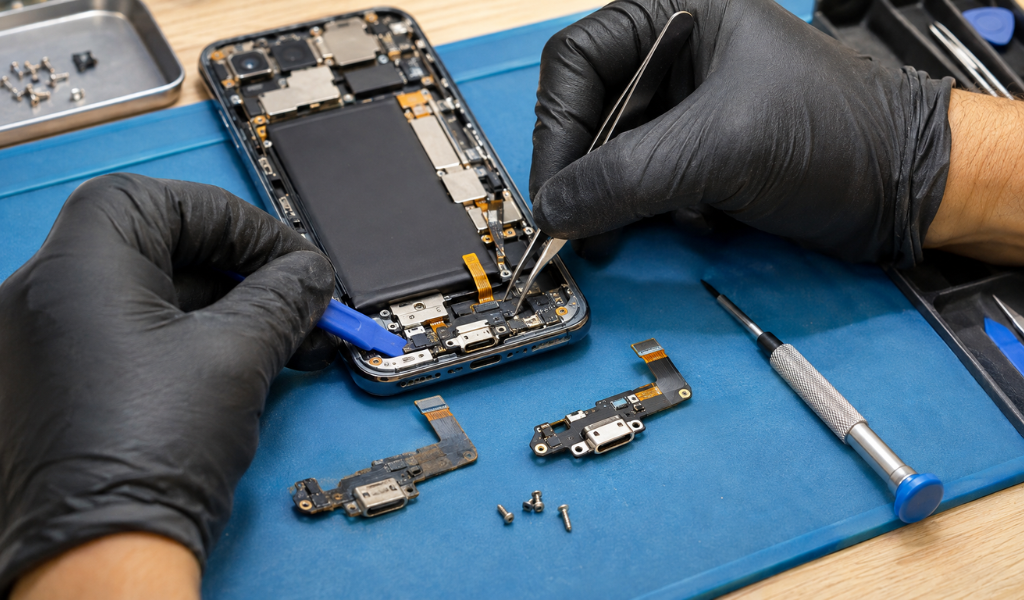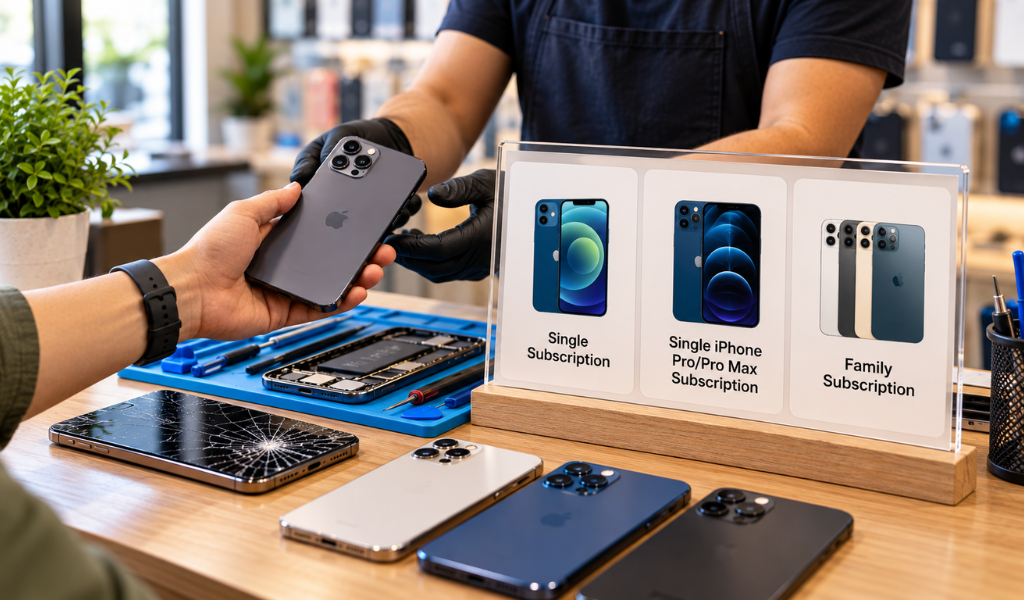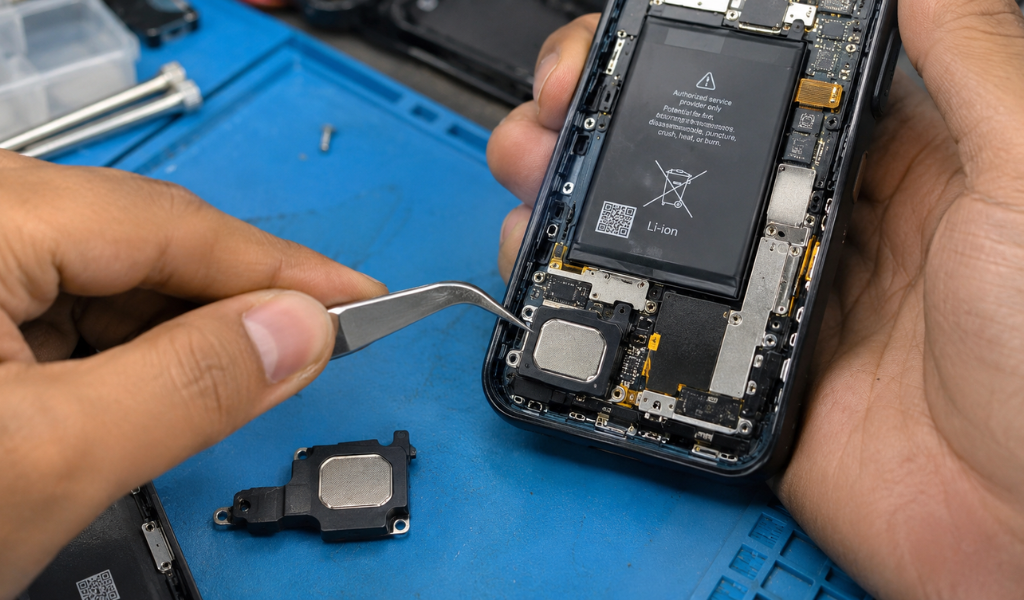
The speaker on your smartphone plays a crucial role in your daily communications, including phone calls, video meetings, music, videos, and notifications. However, if the sound gets distorted, unusually quiet, or disappears completely, it may be time to consider mobile phone speaker repair.
Speaker problems can develop gradually or all at once due to dust buildup, exposure to moisture, physical damage, or internal hardware issues. By catching the warning signs early, you can prevent further damage and restore the sound on your phone to normal.
But how do you know when your phone speaker needs a professional hand? Here are the most common symptoms to look out for and what you can do about them.
Distorted, crackling, or muffled audio can indicate speaker damage.
Low sound volume despite maximum settings may suggest a hardware problem.
Intermittent audio can result from loose internal connections or damaged components.
Dust, moisture, and accidental drops are common causes of speaker issues.
Professional phone speaker repair service can help restore clear and reliable audio.
Knowing the signs of speaker damage can help you know when to seek professional help.
1. Sound Becomes Distorted or Crackles
One of the most obvious symptoms is garbled sound. If music, videos, or calls sound crackly, buzzing, or unclear, it could be because the speaker has damaged internal components.
Dust or debris covering the speaker grille is another cause of distortion. If cleaning the outside doesn’t improve the sound, it may be necessary to have it inspected by a professional.
2. Your Phone Speaker Sounds Unusually Quiet
Does your phone sound quieter than usual, even when the volume is at its highest setting?
This could indicate:
Dust or debris covering the speaker openings.
A partially damaged speaker component.
Moisture affecting internal connections.
Software or audio configuration problems.
If adjusting the volume and checking your settings do not help, consider professional cell phone speaker repair.
3. No Sound Comes From the Speaker
A completely silent speaker is another warning sign. You might receive notifications and see videos playing, but hear nothing.
Before assuming the hardware is damaged, check whether your phone is connected to Bluetooth headphones or another audio device. Also, check silent mode, media volume, and audio settings.
If the issue continues, the speaker or its internal connection may need attention.
4. Audio Works Only Sometimes
Intermittent sound is particularly frustrating. Your speaker might work during one call but stop producing sound when playing a video.
This can happen because of loose connections, damaged speaker components, or internal hardware faults. A technician can inspect the device to identify the underlying issue.
5. You Hear Buzzing During Phone Calls
Buzzing, rattling, or vibrating noises during conversations may indicate a problem with the earpiece speaker or main loudspeaker.
If the sound becomes worse at higher volume levels, avoid repeatedly increasing the volume. An inspection can help determine whether repair or phone speaker replacement is necessary.

6. The Speaker Stops Working After Water Exposure
Even water-resistant smartphones are not completely waterproof. Moisture can enter through speaker openings and affect internal components.
Common symptoms include muffled audio, reduced volume, crackling, and inconsistent sound.
If your phone gets wet, avoid using heat or inserting objects into the speaker grille. Have the device inspected, especially if the sound does not return to normal after drying.
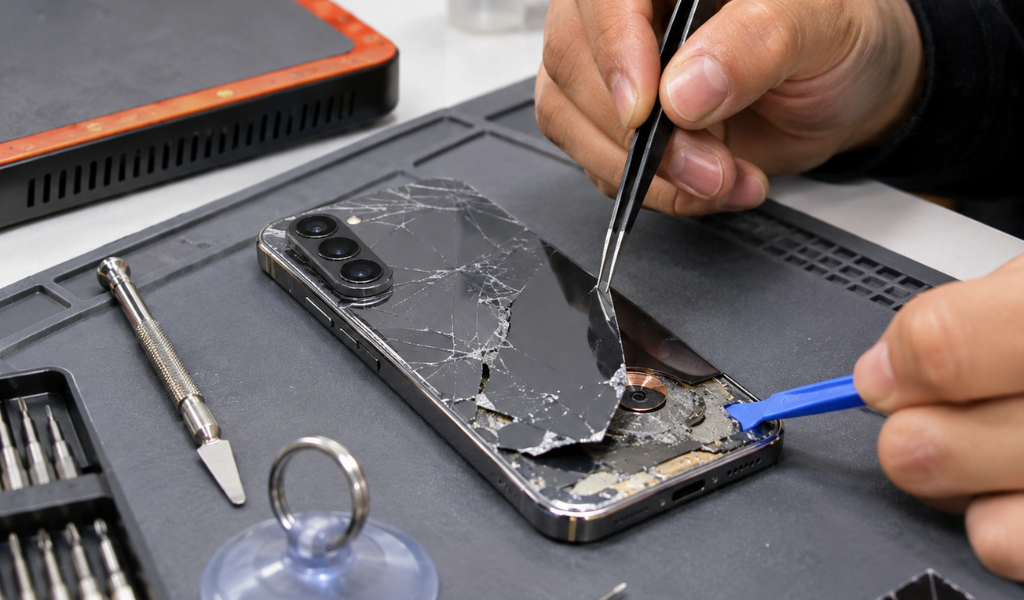
7. Speaker Problems Start After an Accidental Drop
A phone drop can damage internal speaker components, loosen connections, or affect other hardware.
Even if the screen looks perfectly fine, the speaker may have suffered internal damage. If audio problems begin immediately after an impact, professional smartphone speaker repair is worth considering.
Several factors can affect smartphone audio performance.
Identifying the cause is important because not every speaker problem requires a complete replacement.
Not every audio issue means you need a new speaker. Sometimes, cleaning the speaker grille, changing audio settings, or fixing a connection can resolve the problem.
However, phone speaker replacement may be recommended when:
The speaker membrane is physically damaged.
Audio remains distorted after cleaning and troubleshooting.
Internal speaker components have stopped functioning.
Moisture has caused irreversible hardware damage.
The speaker cannot produce sound consistently.
A qualified technician should diagnose the issue before recommending replacement. This helps avoid unnecessary repairs and ensures the correct component is addressed.
Also read: How Much Does It Cost to Repair a Mobile Phone Speaker?
You can try a few basic troubleshooting steps before booking a repair.
1. Restart your phone: Temporary software glitches can sometimes affect audio.
2. Check volume settings: Make sure media, ringtone, and call volumes are adjusted correctly.
3. Disconnect Bluetooth: Your phone may be sending audio to another connected device.
4. Inspect the speaker grille: Look for visible dust or debris.
5. Update your software: Install available updates to address potential audio bugs.
6. Test different applications: Check whether the issue affects calls, videos, music, or all audio.
Avoid using sharp objects, excessive liquid, or compressed air directly inside the speaker opening. These methods can cause additional damage.
If the problem continues, a professional phone speaker repair service can identify whether the issue is software-related or requires hardware attention.
Modern smartphones contain compact internal components that require careful handling. Attempting to open a device without the right tools or experience can damage connectors, cables, or other delicate parts.
Professional cell phone speaker repair offers several advantages:
Accurate diagnosis: Technicians identify the actual cause of the audio problem.
Appropriate repair solutions: Cleaning, component repair, or replacement is recommended based on the condition.
Careful handling: Proper tools help reduce the risk of additional damage.
Reliable performance: Professional repairs aim to restore clear and consistent sound.
At Twin Wireless, customers can explore professional mobile phone speaker repair options to address common smartphone audio problems.
Distorted audio, buzzing noises, intermittent sound, unusually low volume, and complete audio failure are signs your device may need attention. Detecting these symptoms early can save you from further complications and get your phone back to everyday use.
If the problem is dust build-up, exposure to moisture, or damaged internal parts, professional cellphone speaker repair can help determine the right solution. If your smartphone is no longer producing a clear sound, get it checked by an experienced technician before the problem worsens.
Common signs include crackling sounds, low volume, buzzing, distorted audio, intermittent sound, or no sound at all. If basic troubleshooting does not resolve the issue, the speaker may need professional inspection.
The cost depends on your phone model, the type of speaker damage, and whether cleaning, component repair, or replacement is required. A technician can provide an estimate after inspecting the device.
Yes. Dust and debris can accumulate around speaker openings, blocking sound and reducing audio clarity. Gentle exterior cleaning may help, but deeper blockages require professional attention.
It depends on the extent of the damage. Minor blockages or connection issues may be repairable, while a physically damaged or non-functional speaker may require replacement.

Looking for fast phone speaker repair in Indianapolis? Discover same-day repair services at Twin Wireless for clear audio, expert diagnostics, and affordable pricing.
View more
Learn the signs you need cell phone speaker repair, repair options, repair time, and expert tips to restore clear phone audio quickly.
View more
Need a fast cell phone speaker replacement? Learn repair options, service time, costs, and expert tips to restore clear phone audio today.
View more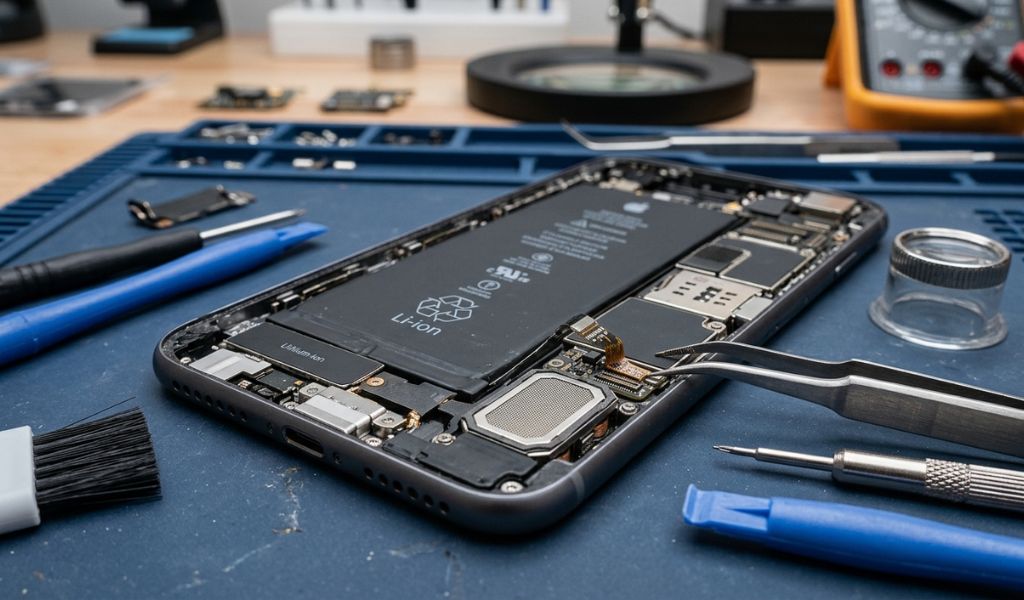
Learn how much mobile phone speaker repair costs, what causes speaker problems, when replacement is needed, and how to choose repair services.
View more

 Login/Register