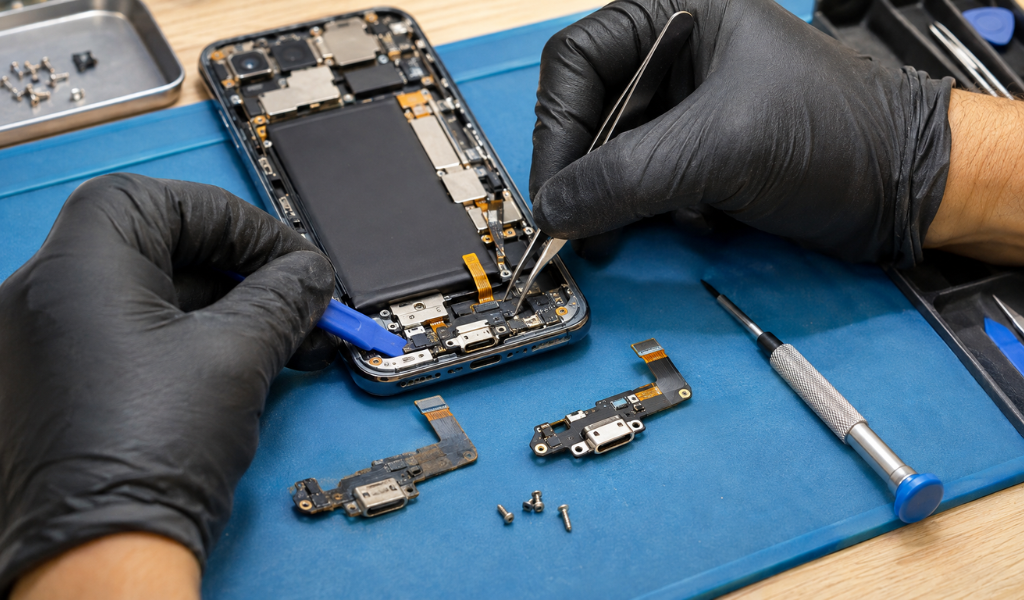
A faulty charging port can make even the simplest smartphone tasks frustrating. From inconsistent charging and loose cable connections to unusually slow charging, these issues can interfere with your daily routine and leave you constantly worrying about your battery level.
While charging problems are sometimes caused by a faulty cable or power adapter, they can also indicate damage to the phone's charging port. Dust buildup, moisture exposure, physical damage, and everyday wear can all affect how well the port works. In such cases, a cell phone charging port replacement may be necessary to restore reliable charging.
Understanding the common signs of a damaged charging port can help you identify the problem early, avoid further damage, and keep your smartphone functioning properly.
Loose connections or intermittent charging may indicate a damaged charging port.
Charging cables that frequently disconnect can be a warning sign.
Visible dirt, corrosion, or physical damage can affect charging performance.
Slow charging or complete charging failure may require professional inspection.
Timely charging port repair can help prevent more serious phone problems.
Here are 7 common symptoms that your phone’s charging port may need attention.
1. Your Phone Only Charges at a Certain Angle
One of the most common signs that your phone's charging port is broken is having to constantly adjust your charging cable.
If your phone will only start charging when you tilt, twist, or hold the cable in a certain position, the port’s internal connectors may be loose or damaged.
Avoid forcing the cable into position, as this could cause additional damage.
2. The Charging Cable Keeps Disconnecting
Is your phone switching between charging and not charging even when the cable is plugged in firmly?
It might be because the charging port can’t make a stable connection. It could be wear inside, damage to the contact points, or loose components.
First, try another compatible charger cable. If the problem persists, consider getting your cell phone charging port fixed by a professional.
3. Your Phone Charges Much More Slowly
If you notice a large reduction in charging speed, it may indicate a problem with the charging connection.
If you notice a large reduction in charging speed, it may indicate a problem with the charging connection.
If it’s still abnormally slow with a good cable and adapter, have the port checked.
4. Your Phone Does Not Recognise the Charging Cable
Another warning sign is when your phone fails to recognise a connected charger.
You may see no charging indicator, even though the cable and power adapter are working correctly with another device.
Dust, corrosion, or damaged internal connectors could be preventing proper contact. Depending on the damage, cleaning or smartphone charging port replacement may be necessary.
5. You Notice Visible Damage Around the Charging Port
Take a close look at your phone's charging port. Check for:
Bent or broken internal connectors.
A loose or misaligned port.
Corrosion or discolouration.
Visible cracks or physical damage.
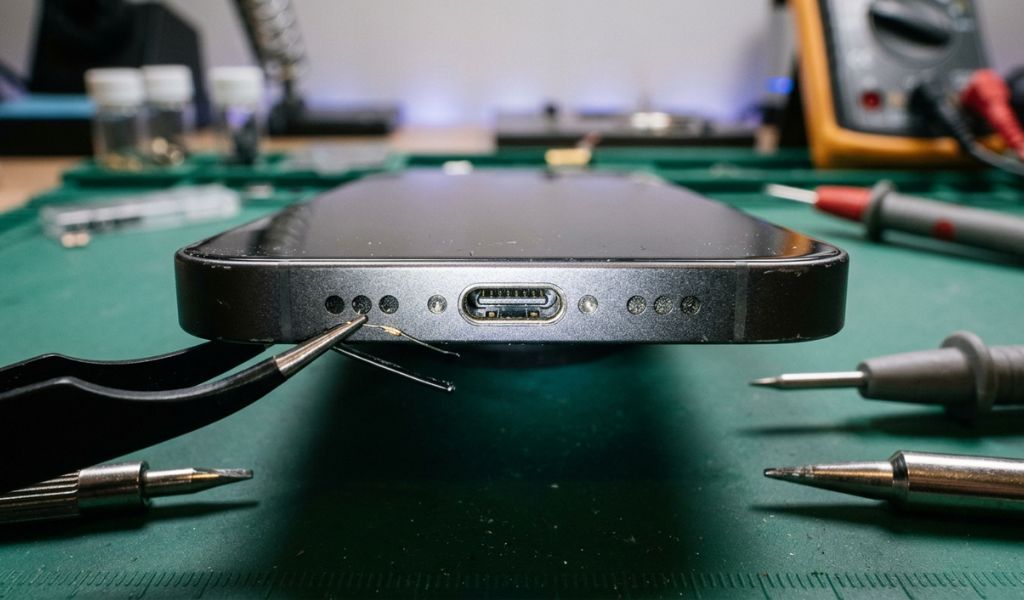
These problems can interfere with charging and may become worse with continued use. Avoid inserting sharp objects or applying excessive pressure to clean the port.
6. Your Phone Stops Charging Completely
If your phone no longer responds when connected to a charger, the charging port could be damaged.
Before assuming the port needs replacement, test a different compatible cable, adapter, and power outlet. If the device still does not charge, a technician can check the port, battery, and other internal components.
For Apple users, an iPhone charging port replacement may be required if the charging connector is confirmed to be faulty.
7. Your Phone Gets Unusually Warm While Charging
Some warmth during charging is normal. However, excessive or unusual heat around the charging port should not be ignored.
A damaged connector, poor electrical contact, or internal charging issue may contribute to overheating.
Disconnect the charger if the phone becomes unusually hot. Stop using the device if you notice a burning smell, swelling, or signs of electrical damage, and arrange a professional inspection.
Charging ports experience regular physical contact, making them vulnerable to everyday wear and tear.
Common causes include:
Dust and debris: Pocket lint and dirt can accumulate inside the port.
Frequent plugging and unplugging: Repeated use can wear down internal connectors.
Moisture exposure: Water or humidity can cause corrosion.
Incorrect cable use: Poor-quality or incompatible accessories may affect charging connections.
Accidental damage: Dropping the phone while it is plugged in can damage the port.
Understanding these causes can help you take better care of your device.
Not every charging issue requires a complete port replacement. The right solution depends on the condition of the charging connector and the underlying problem.
A technician can determine whether cleaning, repair, or a complete cell phone charging port replacement is the most suitable option.
Also read: How Much Does It Cost to Replace a Cell Phone Charging Port?
Choosing the right repair provider matters when dealing with delicate smartphone components.
Before booking a service, consider these factors:
1. Experience: Choose technicians familiar with different smartphone brands and models.
2. Proper diagnosis: Make sure the provider checks the charging port before recommending replacement.
3. Quality replacement parts: Ask about the quality and compatibility of the parts being used.
4. Transparent pricing: Request a clear estimate before approving the repair.
5. Service warranty: Check whether the repair includes a warranty or service guarantee.
At Twin Wireless, customers can explore professional charging port repair services to address common phone charging problems.
A loose charging cable, intermittent power connection, slow charging, or complete charging failure can all indicate that your device needs attention. Recognizing these symptoms early on can save you from further complications and keep your phone working properly.
If you notice any of these warning signs, get your device checked out and have a professional replace the cell phone charging port. Proper diagnosis will help identify the problem and find the most effective solution.
Don't let charging problems interrupt your daily routine. Explore professional repair options at Twin Wireless and get your phone's charging issue checked.
Common signs include intermittent charging, a loose cable connection, slow charging, visible port damage, and failure to recognise a connected charger.
Yes. If the issue is caused by removable dust or debris, professional cleaning may resolve it. However, damaged internal connectors may require repair or complete replacement.
The cost depends on your phone's make and model, the extent of the damage, and the replacement parts required. Contact a repair provider for an accurate estimate.
Repair time varies depending on the device and the complexity of the damage. A technician can provide an estimated turnaround time after inspecting your phone.

Discover 5 common signs you need charging port repair. Learn costs, fixes, and affordable services for phones, tablets, and laptops near you.
View more
Find expert charging port repair services near you. Get fast, affordable fixes for loose or damaged ports with warranty-backed support.
View more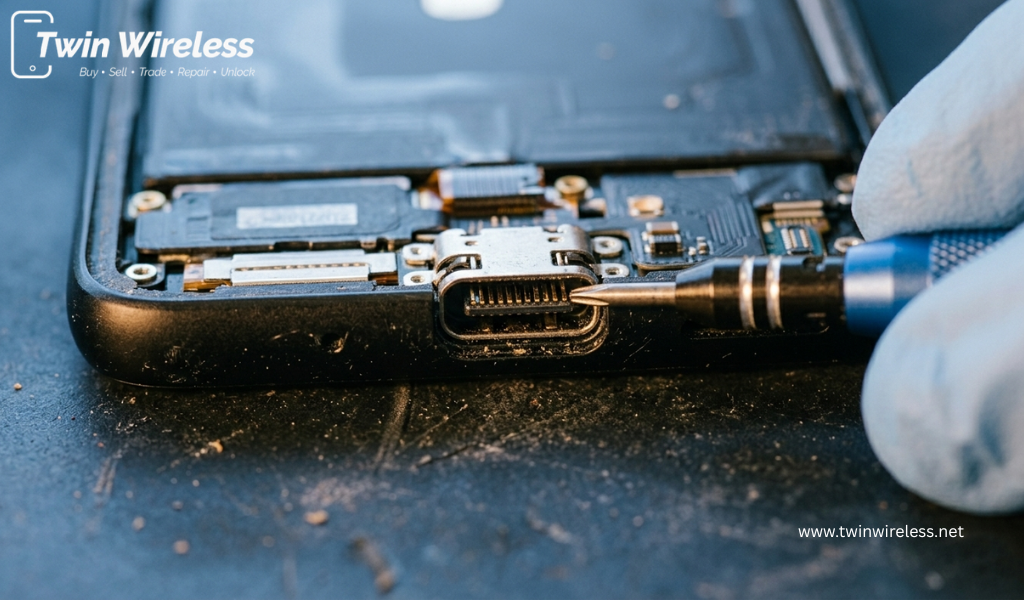
Learn the average phone charging port replacement cost, signs of damage, repair options, and where to find reliable services near you. Visit Twin Wireless for fast and affordable repairs.
View more
Learn the typical phone charging port repair cost, what affects pricing, and how to choose a reliable repair shop for Android charging issues.
View more
Need charging port repair near Indianapolis? Learn the signs, costs, repair times, and options for fixing damaged phone charging ports.
View more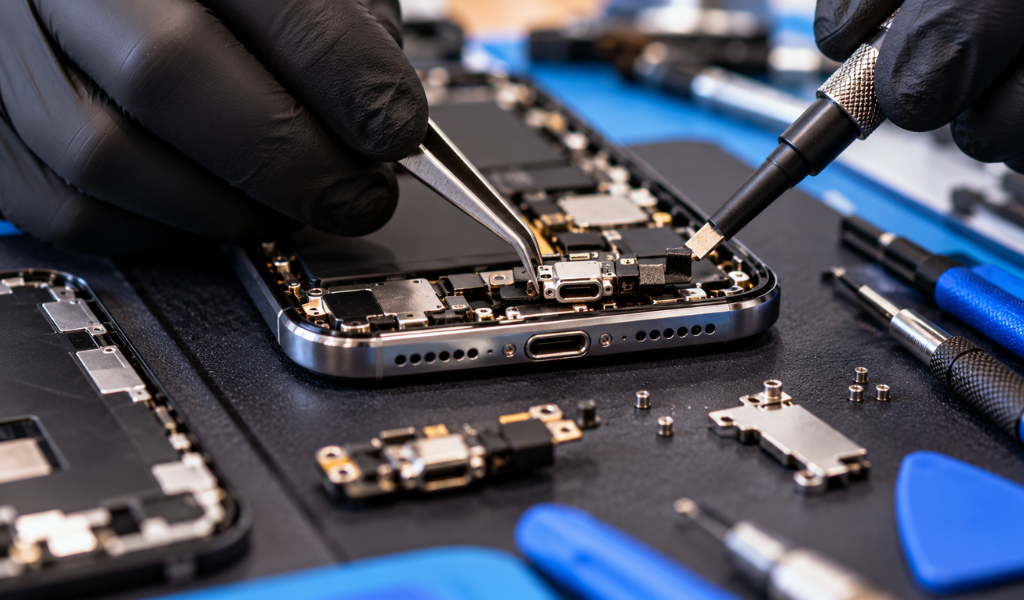
Discover smartphone charging port repair costs, common warning signs, repair times, and practical tips to get your phone charging properly again.
View more

 Login/Register