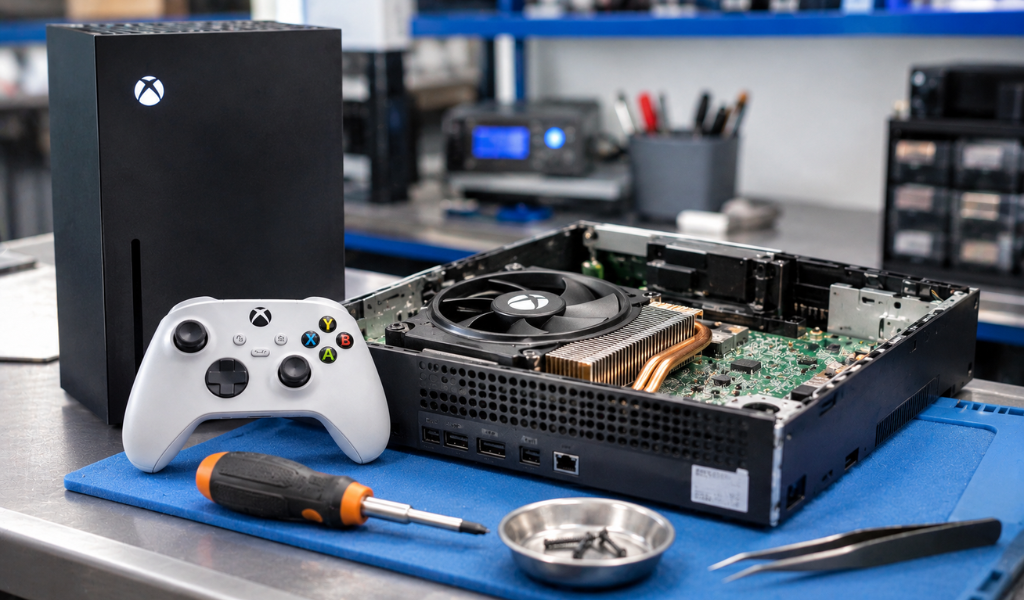
Xbox consoles are great for gaming, but just like any other electronic device, they can develop issues over time. Unexpected shutdowns, overheating, HDMI connection issues, and controller malfunctions are all problems that can interrupt your gaming. Professional Xbox repair will allow you to find out what’s wrong and get your console back in working order without any unnecessary replacements.
Learning common Xbox problems also helps you determine whether a simple troubleshooting step will suffice or whether you need to seek professional help. The first step to getting back to gaming if your console isn’t working as it should is knowing what to look for.
Overheating can cause Xbox consoles to slow down, shut off, or display performance warnings.
HDMI port damage can result in no signal or an unstable display.
Controller problems may involve faulty buttons, joystick drift, or wireless connectivity.
Software errors and storage problems can interrupt games and system updates.
Professional Xbox console repair services can help resolve hardware and software-related issues.
Xbox problems can develop because of regular wear and tear, accidental damage, dust accumulation, software glitches, or hardware failure. Here are some common issues and their possible solutions.
1. Xbox Console Overheating
Overheating is a common issue, particularly if you are using a console for extended gaming sessions and not providing adequate ventilation.
Common signs include:
The console becomes unusually hot.
Games suddenly freeze or crash.
The system shuts down unexpectedly.
Performance becomes inconsistent.
How is it fixed?
Put your Xbox somewhere cool and well-ventilated. Keep its air vents unobstructed. Do not place it inside closed cabinets. Gently remove dust from the outside with proper cleaning methods.
In case the console keeps overheating, you may need professional Xbox overheating repair. A technician can check the cooling system, internal dust build-up, and thermal components.
2. Xbox HDMI Port Not Working
If there is an HDMI problem, your Xbox may not display anything on your TV or monitor. This can be due to damaged connectors, loose cables, or physical pressure on the port.
Common signs include:
A No Signal message on the screen.
A blank display despite the console powering on.
An unstable or flickering picture.
A loose HDMI connection.
How is it fixed?
First, check the HDMI cable and try another compatible display or cable. Make sure the cable is connected to the correct HDMI output on your Xbox.
If these steps do not help, the HDMI port itself may be damaged. Xbox HDMI port repair typically involves inspecting the connector and replacing it when necessary. This is a delicate hardware repair best handled by an experienced technician.
3. Xbox Controller Not Responding
Controller problems can make even a perfectly functioning console difficult to use.
Some common controller issues include:
Stick drift, where the character moves without input.
Buttons that do not respond consistently.
Connection interruptions.
Charging or battery problems.
How is it fixed?
Replace the batteries or recharge the controller, reconnect it to the console, and check for available firmware updates. Cleaning around buttons and thumbsticks may also help.
If the problem continues, professional Xbox controller repair can help identify faulty buttons, joystick components, or internal connection problems.
4. Xbox Won't Turn On
An Xbox that refuses to power on can have several possible causes, including power supply problems, damaged cables, or internal hardware faults.
How is it fixed?
Check the power cable and wall outlet first. Disconnect the console from power briefly, then reconnect it and try starting the system again.
If there is still no response, the power supply or internal components may require inspection. Avoid opening the console without the necessary tools and technical experience.
5. Xbox Games Keep Crashing or Freezing
Game crashes can result from corrupted game files, outdated software, insufficient storage, or overheating.
How is it fixed?
Try restarting the console and checking for system and game updates. If only one game is affected, reinstalling it may resolve corrupted installation files.
Persistent freezing across multiple games may indicate a storage or hardware issue that requires professional diagnosis.
Basic troubleshooting can resolve minor problems, but some issues require specialist equipment and technical knowledge.
Consider professional Xbox repair when:
The HDMI port is physically damaged.
The console repeatedly shuts down because of overheating.
The system does not power on despite checking the cables.
The controller has persistent hardware-related faults.
Games continue crashing after software troubleshooting.
The console has suffered liquid or accidental physical damage.
Experienced technicians offering Xbox console repair services can inspect the device, identify faulty components, and recommend suitable repair solutions.
Also read: How Much Does PlayStation Repair Cost in Indianapolis?
A few simple maintenance habits can help keep your console in good working condition.
Maintain proper ventilation: Leave enough space around the console for airflow.
Clean regularly: Remove external dust from the vents without pushing debris inside.
Handle HDMI cables carefully: Avoid bending cables or putting pressure on the connector.
Keep software updated: Install official system and game updates.
Avoid power interruptions: Use a suitable power connection and avoid disconnecting the console while it is operating.
Protect your controller: Keep it clean and avoid dropping it or applying excessive pressure to the buttons.
Regular care can reduce avoidable problems and help extend your console's lifespan.
Finding a reliable repair provider is important when troubleshooting no longer solves the problem. Professional technicians can examine your console, explain the issue, and recommend an appropriate repair.
If you need Xbox game console repair in Indianapolis, Twin Wireless offers a convenient option for exploring game console repair services. If you’re having problems with HDMI connections, overheating, controller problems, or other hardware issues, getting your console looked at by a professional can give you some idea of what happens next.
Before you choose a repair service, you also need to check their experience with gaming consoles, how they diagnose the problem, what kind of repair options they offer, and what kind of warranty policies they have in place.
Xbox problems can range from small software glitches to more serious hardware failures. Common issues include overheating, broken HDMI ports, controller issues, and sudden shutdowns, among others, but many can be fixed with the right troubleshooting or professional help.
Professional Xbox repair helps make it functional, improves gaming performance, and prevents small issues from turning into bigger concerns. If your console needs attention, you might want to consider professional Xbox console repair services in Indianapolis for the right diagnosis and repair solution.
Common Xbox problems include overheating, HDMI port damage, controller drift, power failures, storage issues, and games freezing or crashing.
Yes. A damaged Xbox HDMI port can often be repaired or replaced by a qualified technician. The console should be inspected first to determine the extent of the damage.
An Xbox may overheat because of blocked ventilation, dust accumulation, extended gaming sessions, or cooling system problems. Keeping the vents clear and arranging a professional inspection can help.
Yes. Many controller problems, including faulty buttons, joystick drift, and connectivity issues, can be diagnosed and repaired depending on the condition of the controller.
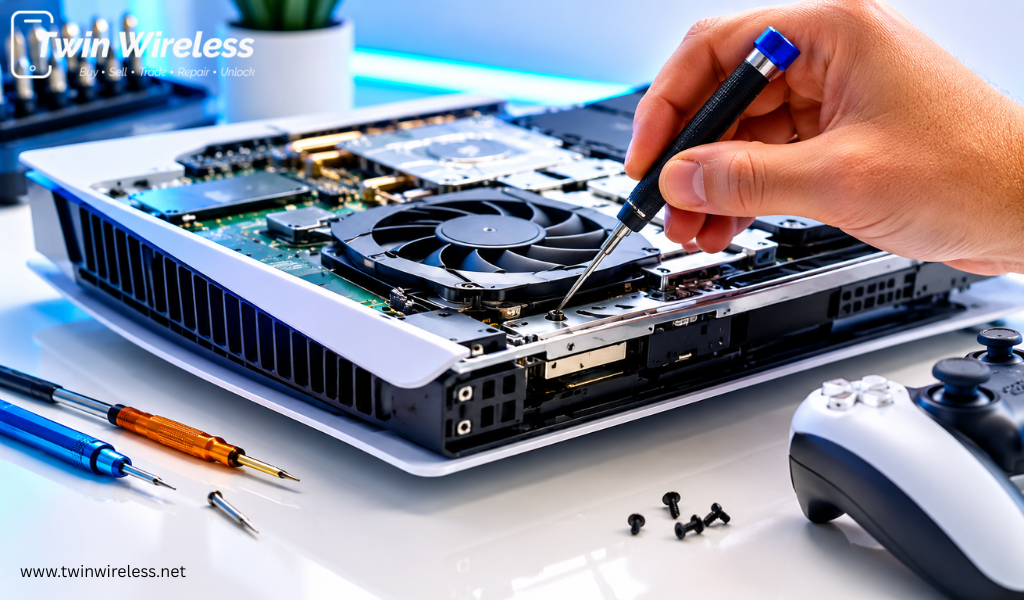
Find reliable game console repair in Indianapolis for PlayStation, Xbox, and Nintendo systems. Fast, affordable, and expert repair services.
View more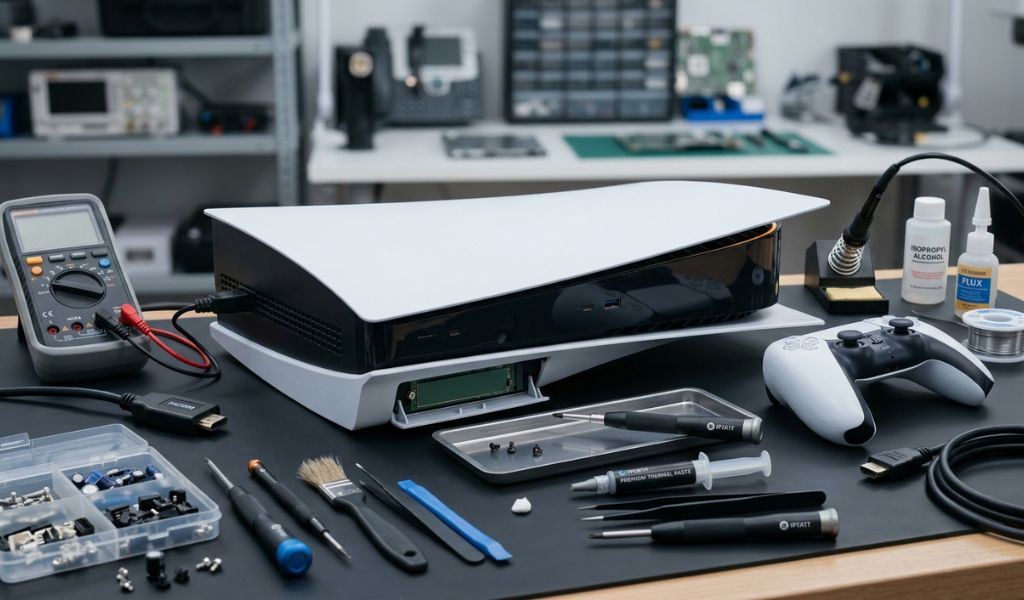
Learn typical PlayStation repair costs in Indianapolis, common PS5 issues, HDMI repairs, overheating fixes, and when repair makes more sense.
View more

 Login/Register